Screen Capture/Step Capture - Monitors with Zoom Moving windows between monitors with different zoom levels caused parts of the interface to be cut off.
Analog Capture - Access Violation When using time intensive codecs such as FFV1, the encoder could not keep up with digitization, resulting in an Access Violation error.
Analog Capture - Duplicated Signal Listing Certain capture devices displayed duplicate signal entries with identical specifications.
Video Downloader - No Formats YouTube updated its API again, causing available download formats to no longer appear.
New Feature
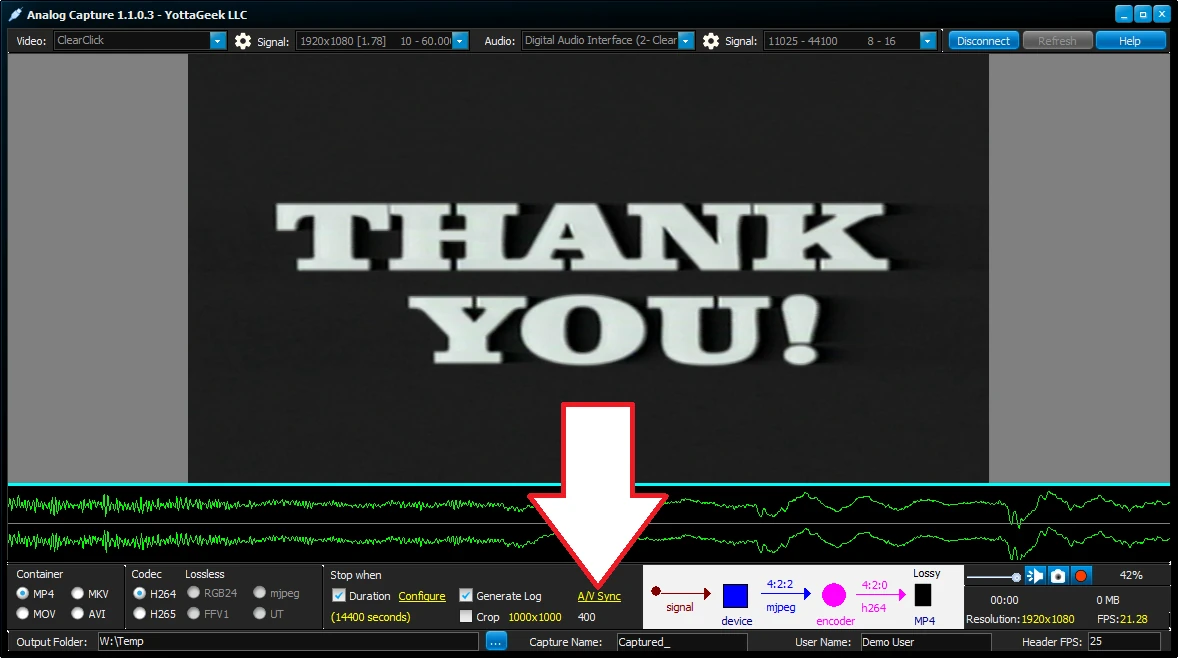
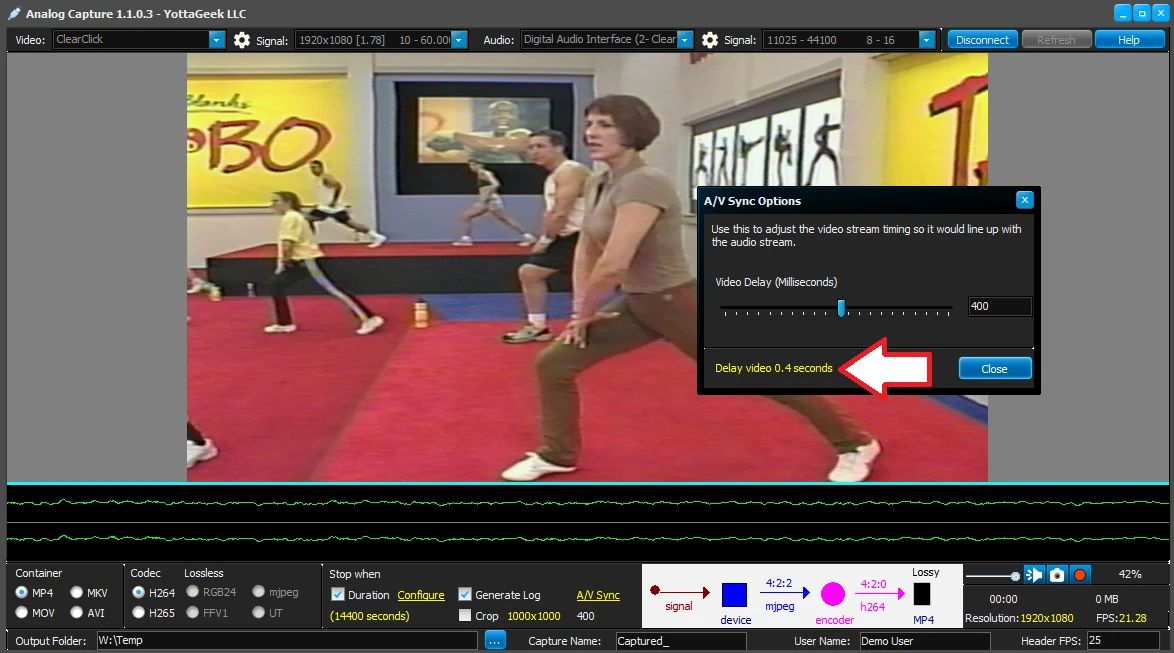
Analog Capture - Live Audio/Video Sync Adjustments Capture devices often deliver audio and video out of sync. While a time-base corrector can help, it does not always resolve the issue. Analog Capture now includes a live Video Timing Adjustment lever that allows you to re-sync the video stream to the audio in real time. Once you are satisfied, clicking Record will digitize the signal with the applied offset, ensuring the encoded file is properly synchronized eliminating the need for post processing in non-linear editors.
Audio Video Sync Adjustments
Adjustment Status
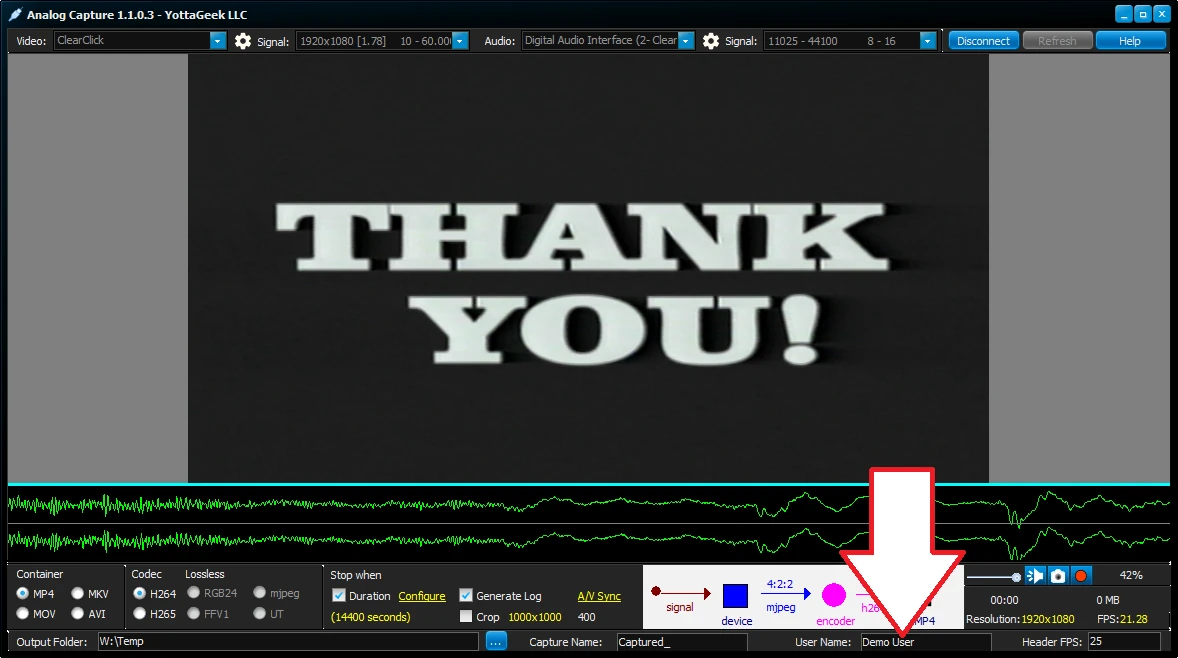
Log - User Name
Since E-Capture Kit can be portable, all capture tools now include a User Name field. This allows the operator to record their name in the log report.
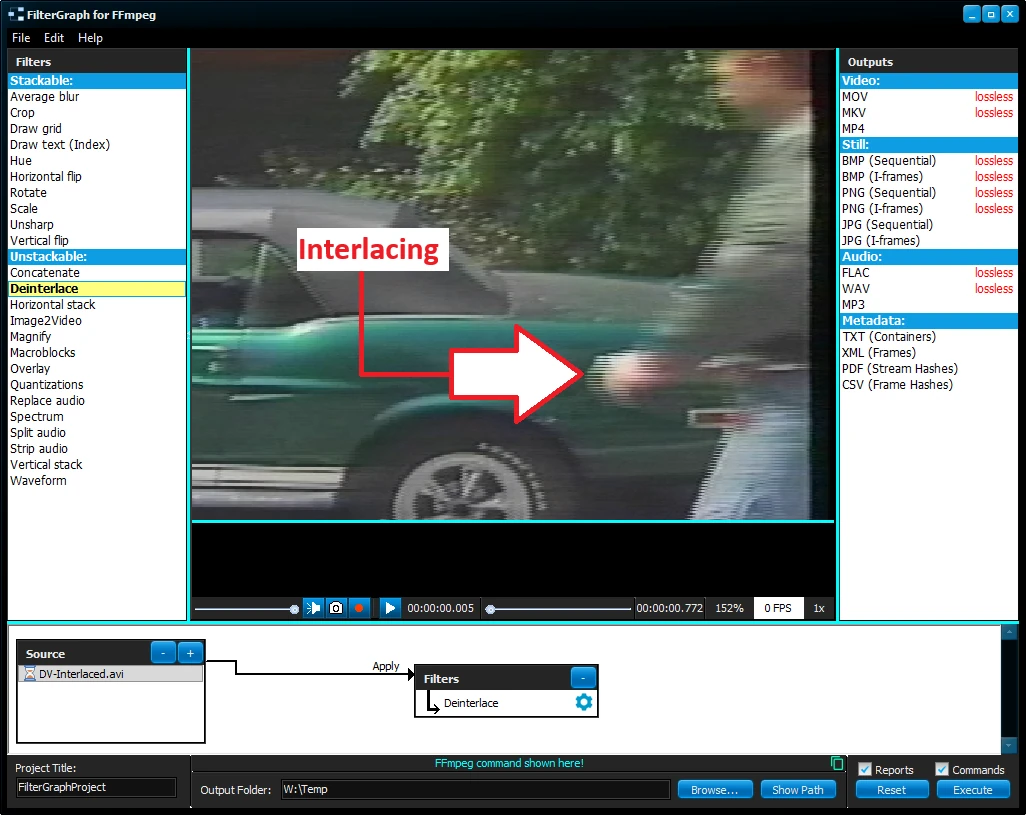
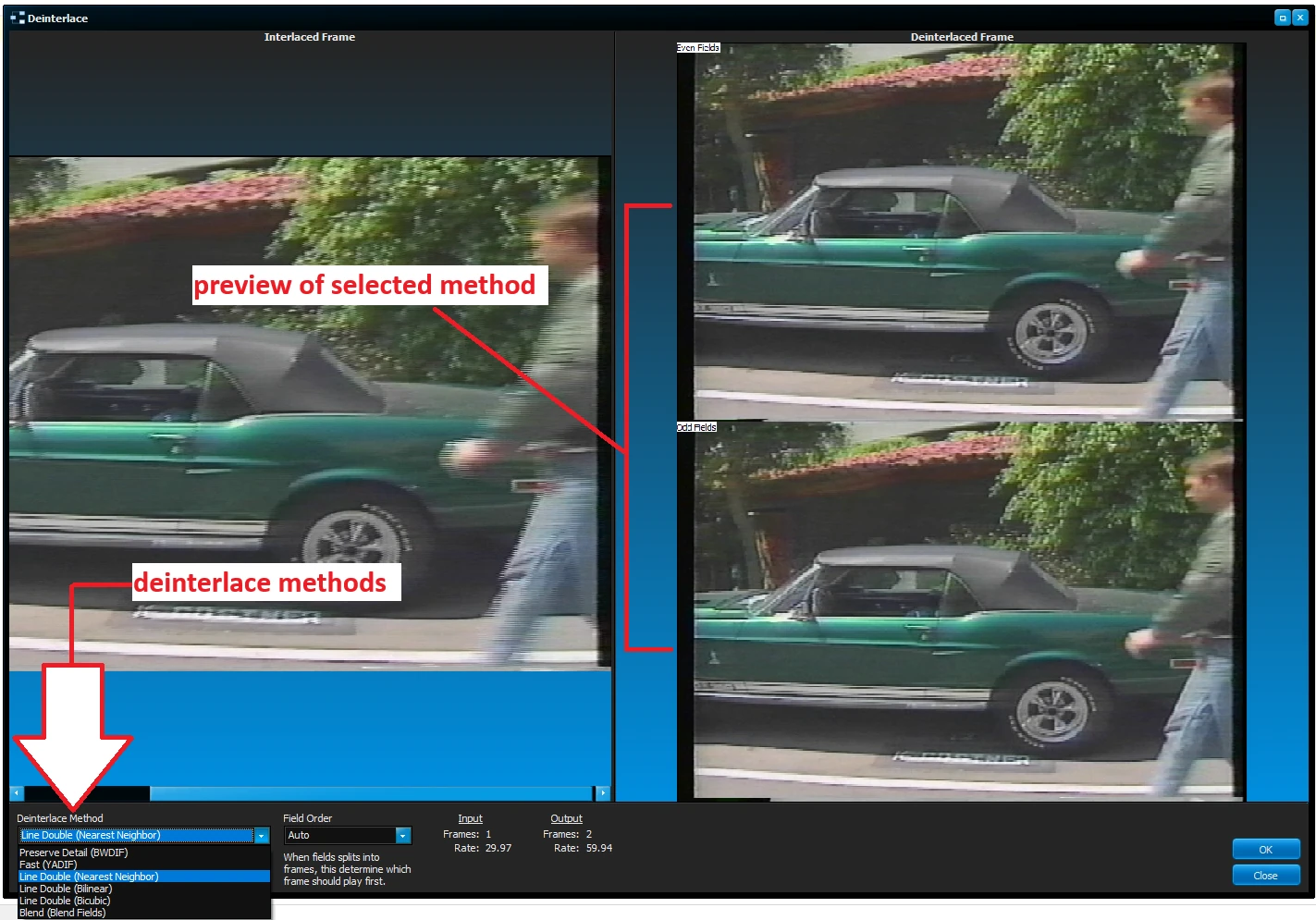
FilterGraph - Deinterlace Filter
A new Deinterlace filter has been added, allowing users to convert Interlaced video into Progressive video.